
Developer updates
GeoJSONic 1.3: turn-by-turn navigation, and a more consistent globe
Back in my last post I said I was working on version 1.3 and had "more soon." Here it is.
Turn-by-turn navigation, built in
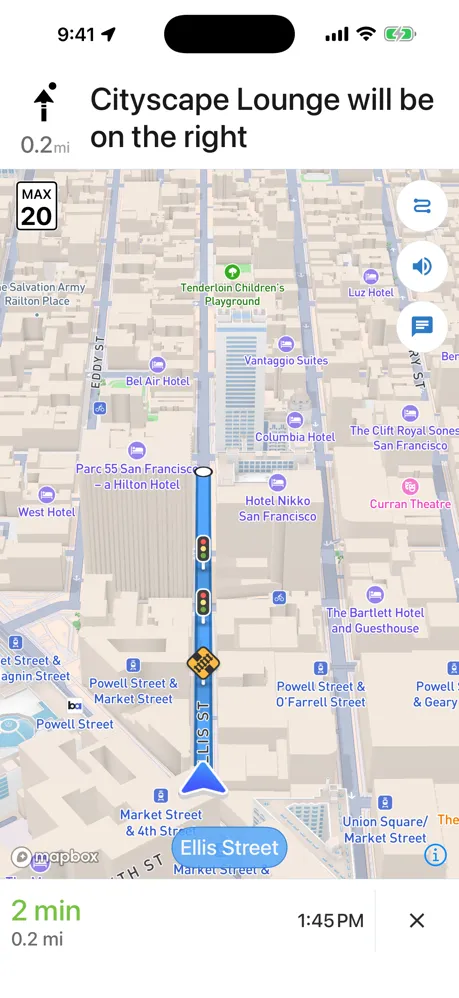
The biggest thing in 1.3: GeoJSONic Pro can now navigate you turn-by-turn, right in the app. Get directions to a place, a saved note, or a stop on a trip, and GeoJSONic guides you there — voice prompts, live rerouting, the works. You don't have to hand off to another app to actually get where you're going anymore.
Or just ride along and look around
Not every route needs turn-by-turn — sometimes you just want to see it. Pro also adds virtual rides: pick a saved route and GeoJSONic flies you along it, with a slower Sightseeing mode for taking in the view. Controls stay tucked away by default — just a small play/pause button — and you can pan, zoom, and look around while the ride keeps going.
A map that stays the way you left it
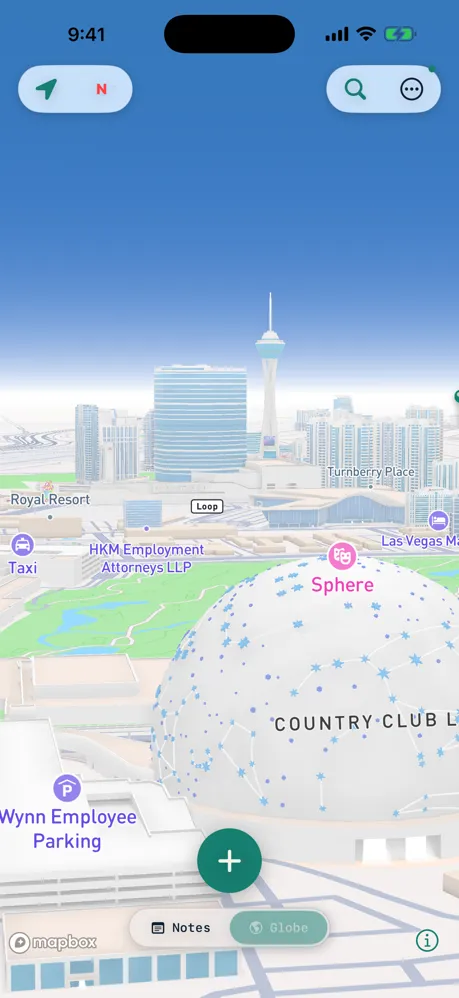
Your chosen map style — Standard, Satellite, or the dark night look — now stays consistent everywhere in the app instead of resetting screen to screen. Hold three fingers on the capture map or the globe to switch between Satellite and Auto on the spot (Satellite is a Pro feature).
Richer places, easier to work with
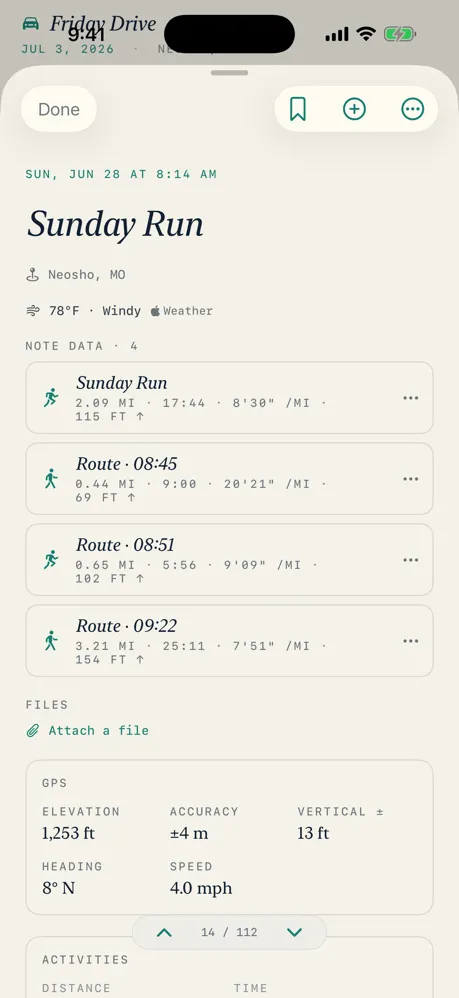
Tap into a place and you'll see more detail than before, plus a one-tap way to copy its coordinates. And on the globe, you can now press and hold a saved note to open it straight from its own menu — no more hunting through a list to get back to something you dropped a pin on.
Still an offline social network first
It's easy to lose this in a list of new features, so I want to say it plainly: GeoJSONic shares nothing to a server, ever. When you hand a note to a friend, it goes phone to phone — hold two phones together, or scan a QR code, and the file crosses over directly. No account, no upload, no middleman. That's not a missing feature, it's the whole idea. Nearby sharing got more reliable this cycle, especially for notes with a lot of photos and video attached.
Under the hood
A batch of fixes rounds out the release: smoother recording controls, navigation reliability improvements, better large-text layouts for anyone using bigger system text sizes, and stronger protection for your saved notes and attachments.
Thanks for coming along
If you've been using GeoJSONic while I've been building this — thank you. Every note about what's working, what's confusing, or what you wish it did shapes what I build next. If you haven't tried it yet, download GeoJSONic on the App Store.
— Jason Dittmer Creator of GeoJSONic